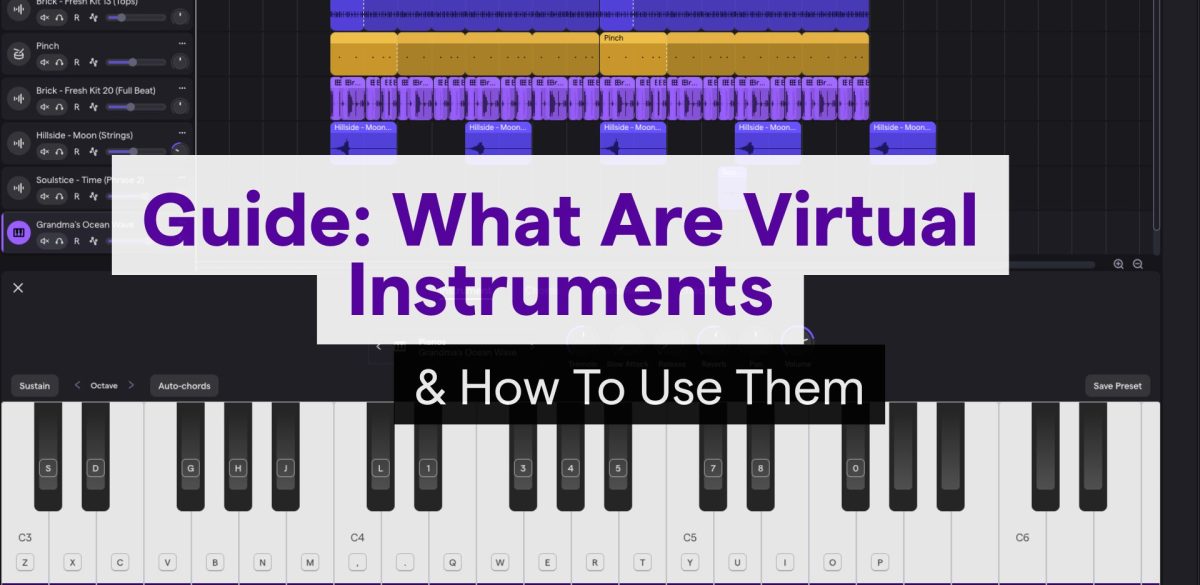
Guide: What Are Virtual Instruments & How to Use Them
Feb 19, 2026
-
Tero Potila
Making music on your computer has never been more accessible, largely thanks to the high-quality virtual instruments available today. Virtual instruments are software emulations of real-world musical instruments that give you access to authentic sounds.
Today, there are virtual instruments for any imaginable instrument, including pianos, guitars, drums, synthesizers, orchestral instruments, and more.
They have truly transformed music production by enabling anyone with a computer to access sounds that would otherwise require thousands of dollars in equipment and studio space.
I’ve been producing music professionally for almost 20 years, and I can tell you that virtual instruments have completely changed how I approach creating tracks.
What used to require a pro studio full of gear now fits inside a laptop, and the quality has reached a point where even professionals struggle to distinguish between virtual and real recordings.
What Are Virtual Instruments?
Virtual instruments are software emulations of the sounds of acoustic instruments and synthesizers running on your computer.
They operate through a hybrid of multiple technologies, combining digital sampling, synthesis, and MIDI data processing to deliver playable instruments at a fraction of the cost compared to their physical counterparts.
How Virtual Instruments Work
Virtual instruments typically run inside your Digital Audio Workstation. They work by processing MIDI data from your keyboard or controller and converting it into audio.
The most common approach uses samples that are actual recordings of traditional musical instruments played at different pitches and volumes.
Each note and expression of the instrument is carefully sampled by the instrument’s developer, giving you the ability to trigger them through the piece of software when you press a key on your MIDI keyboard.
The appropriate sample plays back through your DAW’s output and your audio interface.
Typically, these sample libraries include multiple velocity layers, meaning they contain separate recordings for soft, medium, and loud playing dynamics.
I started using some of the earliest virtual studio technology when Steinberg Cubase VST launched in the mid-90s.
Somewhere around the early 2000’s, round robin sampling was introduced as part of virtual instrument sample libraries.
It addresses the machine-gun effect you’d hear from repeated notes. Instead of triggering the same sample repeatedly, the software cycles through multiple recordings of the same note, creating natural variation.
Today, some orchestral libraries include up to 16 round robin samples per note.
Other virtual instruments use synthesis or physical modeling instead of samples. These generate sound mathematically, allowing for creative sound design that goes beyond recreating real thing.
This technology requires less storage space but demands more CPU processing power.
Virtual vs Real Instruments
The biggest difference is in accessibility and flexibility.
The trade-off is that you often miss some of the instrument’s authentic character when using a virtual instrument, but I’ll be honest; the quality nowadays comes so close it’s often hard to tell the difference!
Virtual instruments don’t require external hardware beyond a MIDI controller and computer, eliminating the need for microphones, acoustic treatment, or physical space to store classic instruments.
The cost difference between virtual and real instruments can be huge. Imagine buying a real piano: A high-quality piano could cost anywhere from $3,000 to $150,000+.
A virtual instrument piano library, on the other hand, will set you back around $100-$600.
If you’re working in orchestral music, a virtual orchestral library typically costs around $200-$1,000, while you might spend several thousand or more on just a short live orchestra recording session.
You can instantly switch between hundreds of sounds without rewiring your studio or retuning instruments.
Virtual instruments also offer editing capabilities impossible with acoustic instruments; you can adjust timing, dynamics, and articulations after recording.
However, real instruments played by professional players do provide tactile feedback and organic imperfections that shape musical expression.
Take a sampled violin as an example: while the modern libraries are great, they still lack some of the subtle bow-pressure variations and resonance that a live player brings to a performance.
I’m not saying virtual instruments aren’t good enough; 99% of the time, they are absolutely perfect for the job. But I do recommend using some real players in the mix whenever you have the opportunity to add more of the human element.
Integration With Digital Audio Workstations
Virtual instruments integrate into modern DAWs as plugins, typically in VST, AU, or AAX formats. They are loaded onto instrument tracks, where they receive MIDI data and output audio.
Your DAW sends MIDI information, such as note pitch, velocity, and sustain pedal data, to the virtual instrument. The plugin processes this data and outputs audio signals that flow through your mixer alongside recorded tracks.
You can apply effects, automation, and mixing to virtual instruments exactly as you would with recorded audio.
Most instruments appear in your DAW’s plugin menu under categories like synthesizers, samplers, or specific instrument types.
After inserting one on a track, you either play it live via a MIDI controller or draw notes directly into your DAW’s piano roll editor.
Real Time Play and Performance
You can play virtual instruments live using MIDI controllers that send performance data to your software in real time.
Modern DAWs maintain low latency (the delay between pressing a key and hearing sound) typically under 10 milliseconds with proper audio interface settings.
Expression controls are the key to adding realism to virtual instrument performances.
You might map a mod wheel to control vibrato intensity, use sustain pedals for piano sounds, or assign breath controllers for wind instruments.
I highly recommend taking the time to program in some expressions, as it will help humanize the virtual instrument’s sound and help make your productions sound more natural.
Many libraries also include keyswitches that let you change articulations in real-time, for example, switching from sustained strings to pizzicato by pressing specific low keys outside the normal playing range.
I have one important tip for you when it comes to the playability of virtual instruments: Check your buffer size settings for your audio interface.
These settings determine latency and CPU stability, and typically they’re found in your DAW’s audio settings.
Lower buffer sizes (64-128 samples) enable responsive playing but put more strain on your processor, while higher settings (512-1024 samples) prevent audio dropouts during mixing, but feel sluggish for performance.
Virtual instruments are now commonly used in live stage performance, too, with dedicated software like MainStage or Ableton Live handling complex setups in which musicians trigger sounds, loops, and backing tracks via hardware controllers during concerts.
Types and Applications of Virtual Instruments
Virtual instruments span from massive orchestral libraries that recreate the sound of a full orchestra performing in a concert hall to compact synthesizers.
It all fits on any modern laptop that has enough storage and CPU power to run the software.
Sample-Based Virtual Instruments
Sample-based instruments work by triggering recorded audio files. A software sampler serves as the engine that loads and plays these recordings.
There are many software developers in this space, and they either have their own sampler software or use something like Native Instruments’ Kontakt.
Kontakt has become one of the industry standards because it handles complex round robins and velocity layers very efficiently.
Round robin means that when you strike a key, the sampler selects from multiple recordings of the same note to avoid the machine-gun effect.
There are many free virtual instruments that are surprisingly good! For example, Spitfire LABS gives you access to professional recordings without any cost.
Paid libraries often need a lot of storage, sometimes taking up 300+ GB because they include samples for every possible orchestral instrument and its articulation for each note: staccato, spiccato, legato, pizzicato, etc., on strings, for example. But many great instruments are only 1-5GB in size.
Your computer’s processor and RAM determine how many samples you can stream simultaneously.
Most modern sample libraries also include built-in effects like EQ, compression, reverb, and delay.
While many paid virtual instruments often require massive hard drives, online DAWs like Soundtrap come with built-in virtual instruments that live in the cloud.
This means you get the same ‘MIDI-to-Audio’ magic without worrying about CPU spikes or storage space.
Software Synthesizers and Drum Machines
Software synthesizers generate audio through mathematical algorithms rather than playback, and are often used to create today’s hottest new sounds in electronic music and modern pop.
The options are practically limitless; you’ll find analog emulations, wavetable synths, and FM synthesizers among many other options.
Virtual drum instruments range from acoustic kits to drum machines that specialize in electronic drum and percussion sounds.
Synthesizers offer a wider range of sound-design flexibility than sample-based instruments because you can modify their oscillators, filters, and envelopes from scratch.
Orchestral and Cinematic Libraries
Orchestral libraries are made by recording every instrument section with professional musicians performing in world-class studios.
They represent the largest instruments in terms of required storage space, because they capture multiple mic positions and articulations.
These libraries shine in film scoring and trailer music. The instrument collection typically includes rare models such as alto flute, contrabassoon, and Wagner tubas that most music producers never have access to physically.
Your MIDI keyboard becomes the conductor’s baton that you control. You can apply realistic expressions using the mod wheel, velocity curves, and key switches that trigger different articulations mid-performance.
The libraries function as virtual band members, responding to your exact musical direction.
Virtual Instruments in Modern Music Production
Today, just about all musical genres rely on virtual instruments.
Hip-hop producers layer virtual drum instruments with sampled breaks. EDM producers build entire tracks from synthesizers. Film composers craft scores using orchestral libraries.
The workflow typically involves loading instruments onto MIDI or instrument tracks in your DAW, then recording or programming the performance.
The output routes to audio tracks for mixing. Stage piano sounds, orchestral strings, and synthesizer leads can easily coexist in the same project.
My favorite thing about this approach is that you can adjust the performance after you first record it; you can dial in the MIDI until every note and articulation is just perfect.
Virtual instruments have become an indispensable tool, providing incredible power to home studios and professional facilities alike.
The Soundtrap Approach to Virtual Instruments
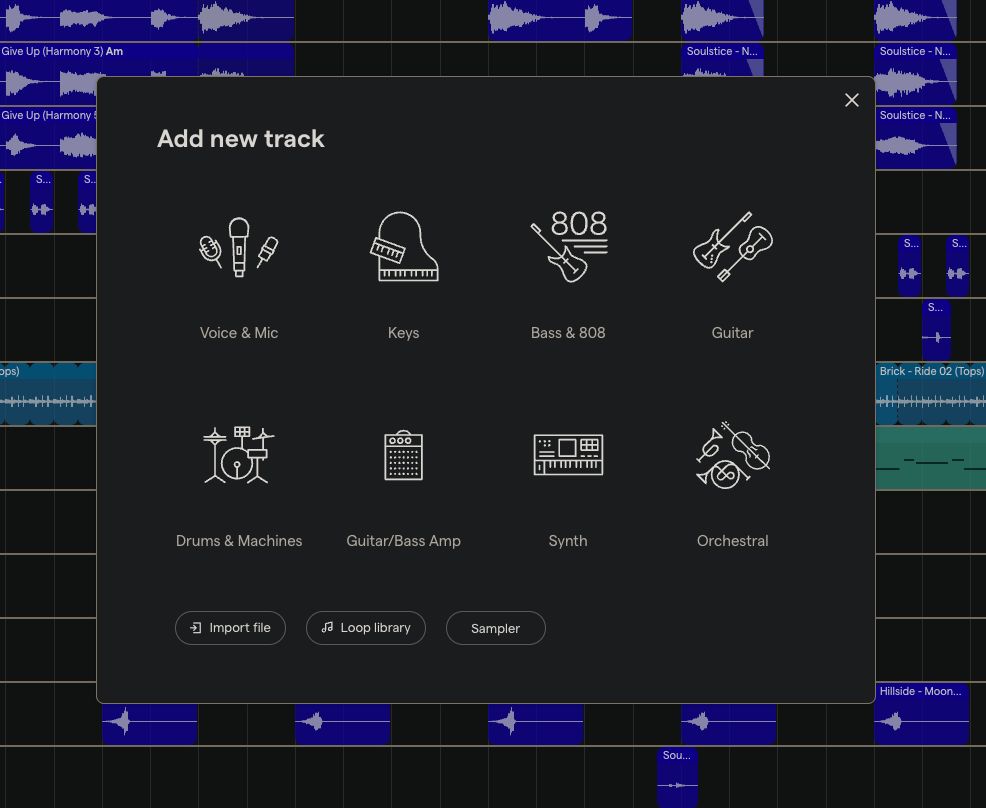
Soundtrap has you covered with a range of great virtual instruments.
When using Soundtrap, you don’t need to worry about disk space or installing plugins to get started.
Soundtrap is a powerful virtual studio hub that lets you access a wide range of virtual instruments directly in your browser.
Instead of managing independent instruments or expensive virtual instrument bundles, you can simply open a project and load instruments featuring everything from a vintage electric piano to entire orchestras.
Conclusion
Virtual instruments have leveled the playing field, giving anyone with a laptop the power of a world-class studio.
These powerful music composition tools provide endless creative flexibility at a fraction of the cost of physical gear, from layering cinematic strings to tweaking synth leads.
I’ve seen firsthand how this technology has helped remove the traditional barriers to entry, making it possible today for anyone to turn a musical idea into a professional track.
By bridging the gap between imagination and audio, virtual instruments ensure that the only limit to production is your own creativity.
Frequently Asked Questions
What is the difference between a VST and a virtual instrument?
VST (Virtual Studio Technology) is a specific software format developed by Steinberg. While people often use the terms interchangeably, a virtual instrument is the actual software “player,” whereas VST is the format that allows it to communicate with your DAW. Today, there are many other plugin formats; VST is just one of them.
Do I need a MIDI keyboard to use virtual instruments?
No you don’t, though a MIDI keyboard makes it easier to play and record naturally. But you can also “draw” notes directly into your DAW’s piano roll using your mouse or use your computer’s keyboard as a controller.
Are virtual instruments better than real instruments?
It depends on the use and situation. Neither is really “better”; they serve different purposes. Virtual instruments offer unmatched convenience, cost-savings, and editing flexibility, while real instruments provide a unique, organic character and tactile performance that is hard to replicate 100%.
Do virtual instruments take up a lot of RAM?
Large, sample-based libraries (such as orchestral strings) can be RAM-intensive because they load many large, high-quality audio files simultaneously. Synthesized instruments and cloud-based options like those in Soundtrap are much lighter on your system.
Can I use virtual instruments for live performances?
Yes. Many musicians use a laptop and a MIDI controller on stage to trigger virtual instruments. By using low-latency settings and a stable audio interface, you can play these sounds in real-time just like a hardware keyboard.
About the author
Tero Potila is a professional music composer and producer. His career combining knowledge and experience from music, TV, film, ad, and game industries gives him a unique perspective that he shares through posts on teropotila.com.


